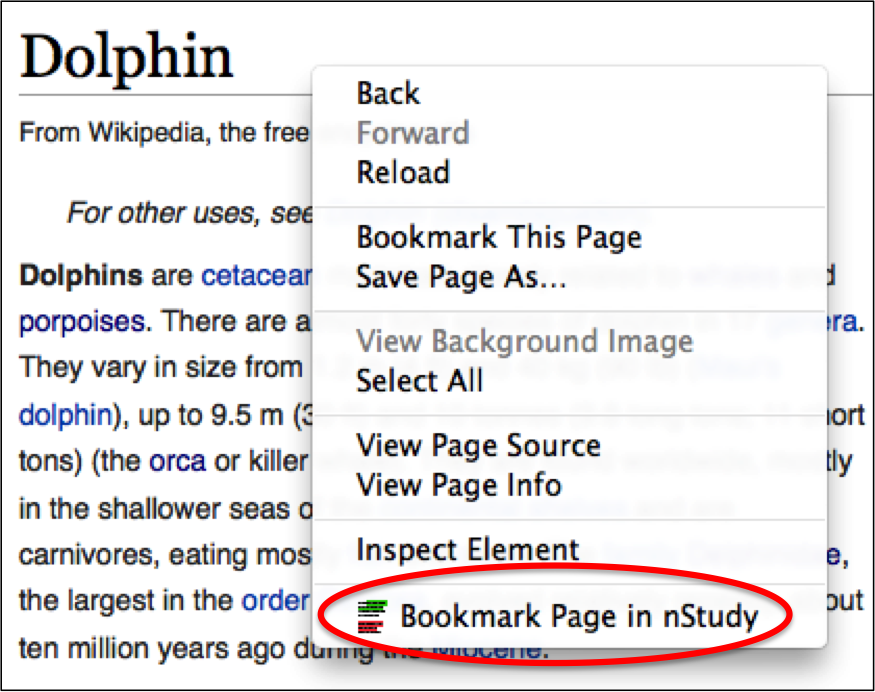
- Mod-click anywhere in the webpage to open the context menu
- Choose “Bookmark Page in nStudy” from the context menu When you quote a text on a bookmark, the webpage is automatically saved under Recent Bookmarks
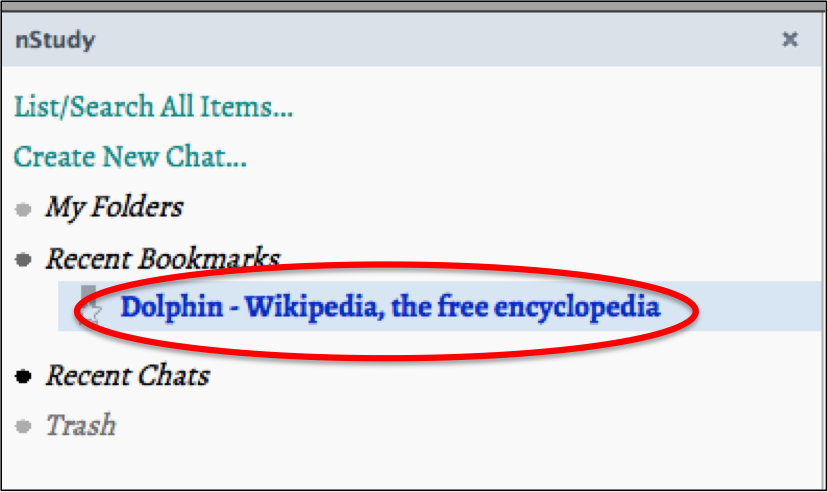
- The bookmark will appear under Recent Bookmarks on nStudy panel Bookmarks are listed by time, most recent on top
- You can rename the webpage title by typing over it