- Open the Firefox web browser.
- In the address field, enter this URL: nstudy.educ.sfu.ca/dev/
- A message will appear asking you to install the nStudy add-on. Be sure you follow the steps to install.
- Create an account in nStudy.
- Log in using your ID and password.
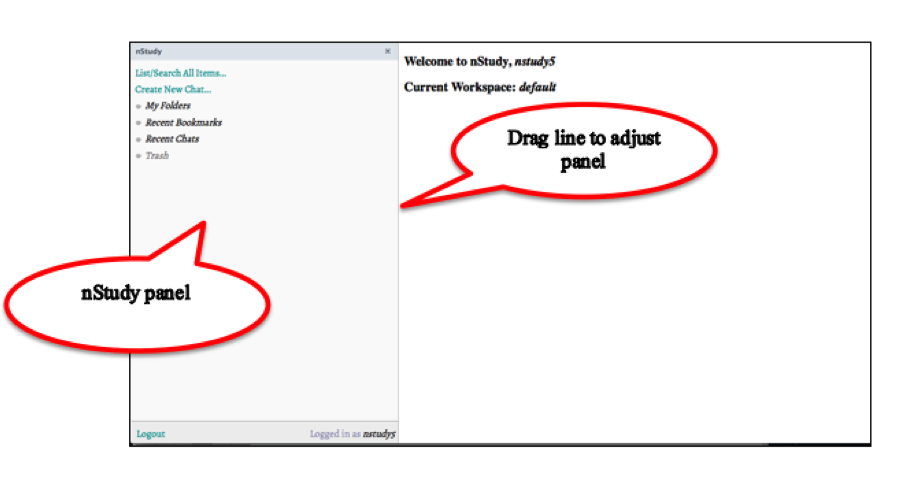
When you log in, the nStudy side panel appears on the left side of your browser window. To adjust nstudy panel, click and drag the line right or left.