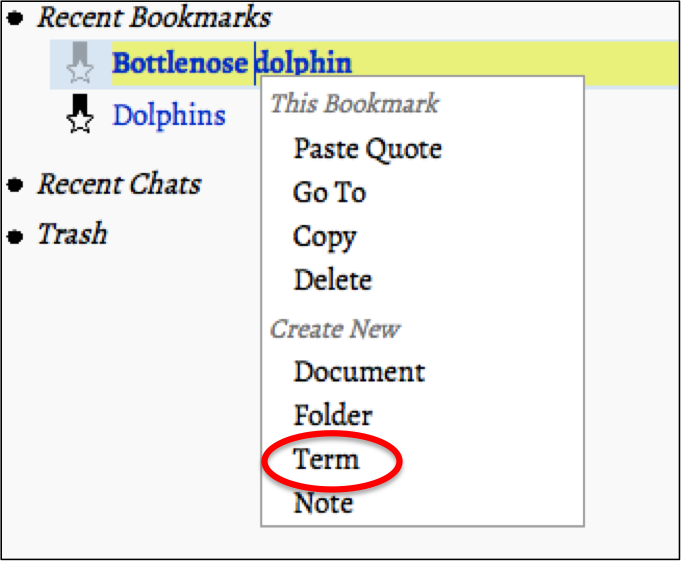
- Mod-click “My Folders” or any nStudy item nStudy items are: “Folders”, “Terms”,“Notes”, “Bookmarks”, and "Quotes"
- Choose “Term” from the context menu
- Type over “untitled term”to write your term
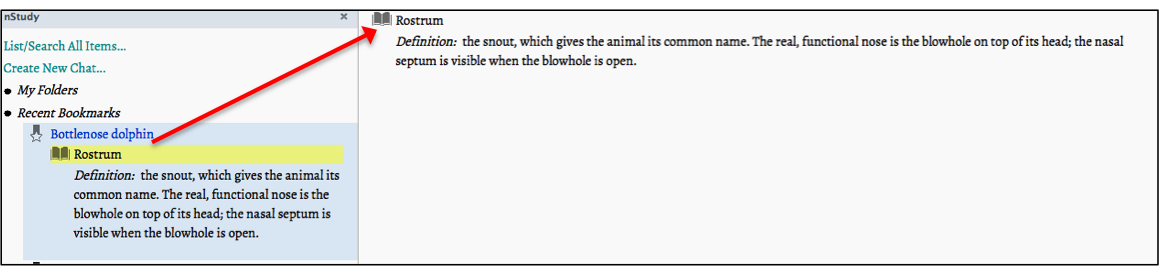
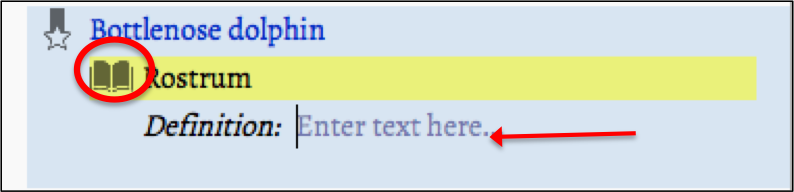
- Then click on the icon for term
- The term will unfold
- Type in the definition of your term over “Enter text here. . . ”
- Go to any webpage
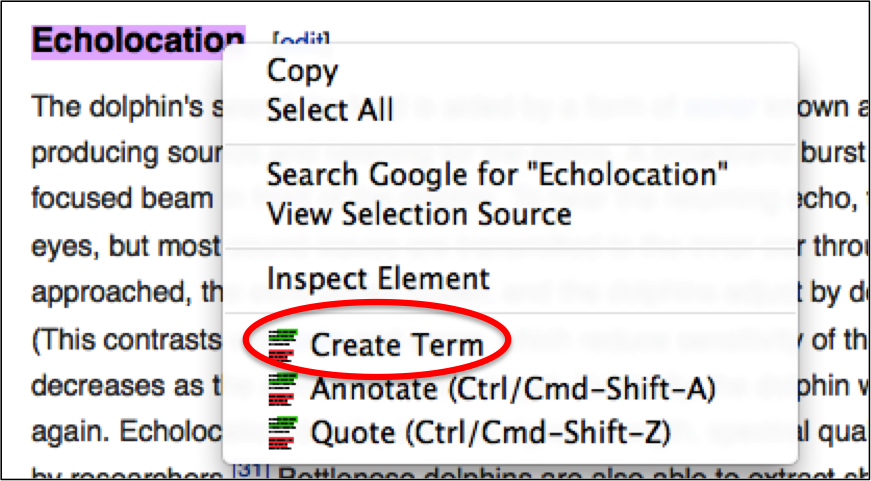
- Select your term
- Mod-click anywhere in the text you selected
- In the context menu, choose Create Term
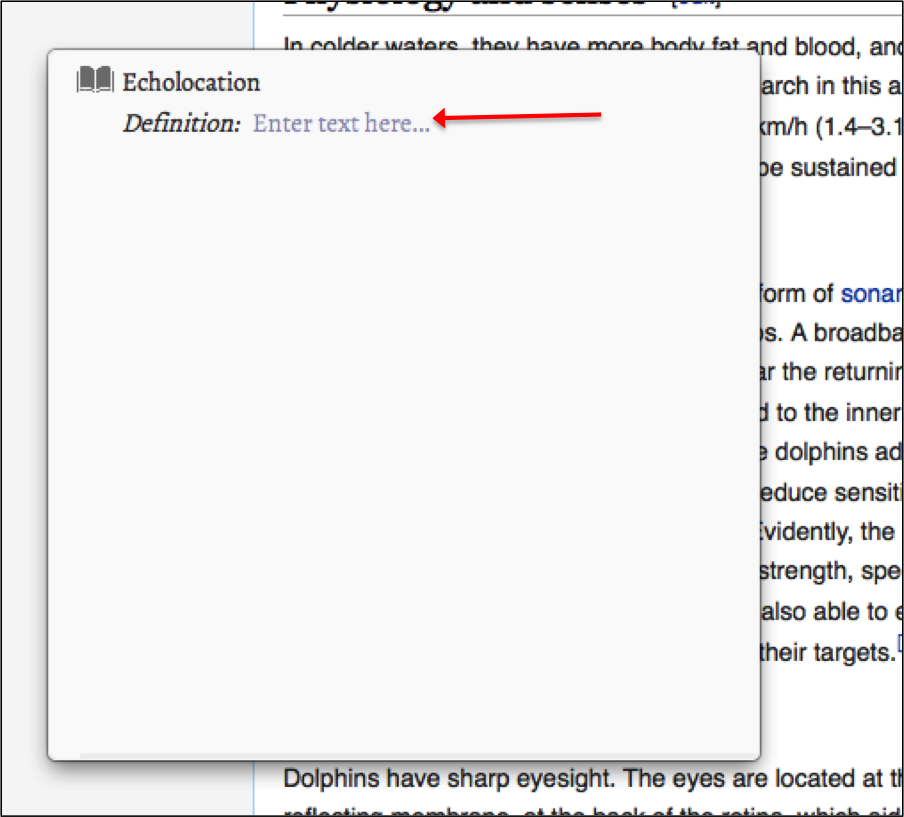
- The term will open in a popup window
- Type in the definition of your term over “Enter text here. . . ”
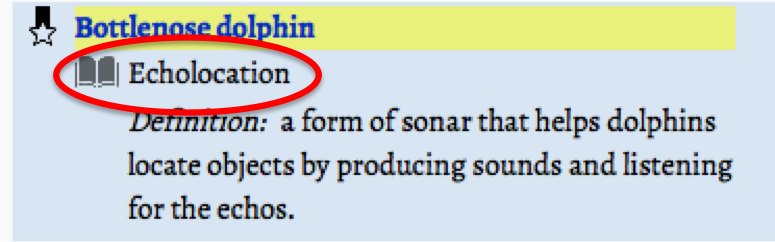
- The term will appear in the nStudy panel under the bookmark it was created from

OR you can: