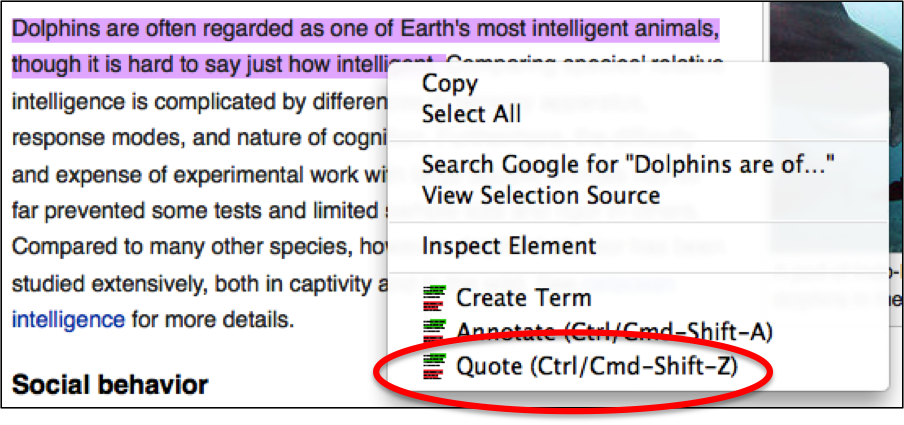
If you highlight text in the browser, you can quote that text in the nStudy panel. To add a quote :
- Go to any webpage
- Click at the beginning of text you want to quote then drag through it to select it
- Mod-click anywhere in the text you selected
- In the context menu, choose Quote
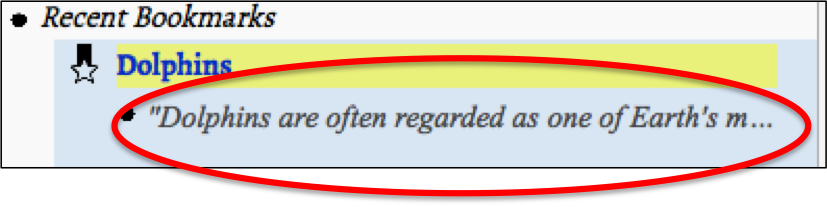
- The quote will appear in the nStudy panel under the bookmark it was quoted from