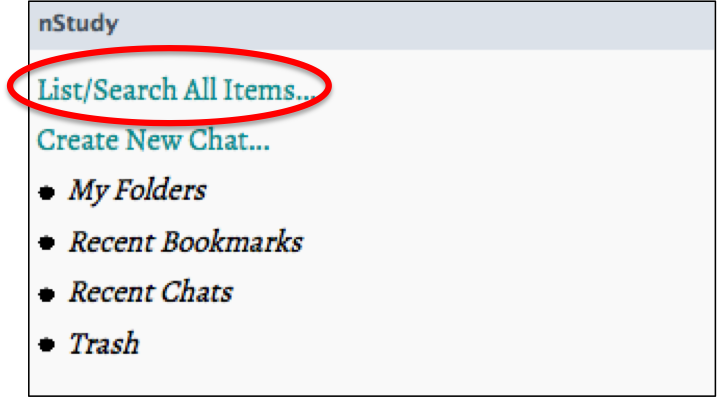
- Click “ List/ Search All Items ”at the top of the nStudy panel
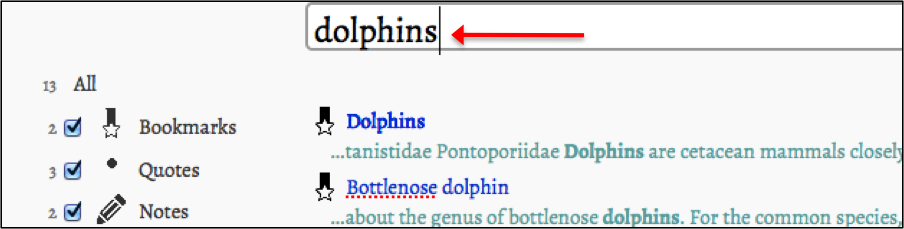
- Type in the key word you are looking for in the search box
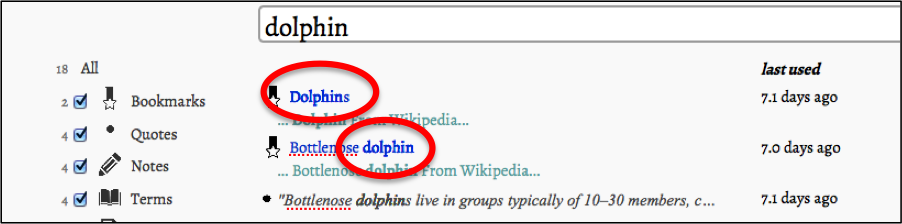
- All items with the key word will appear under the search area.
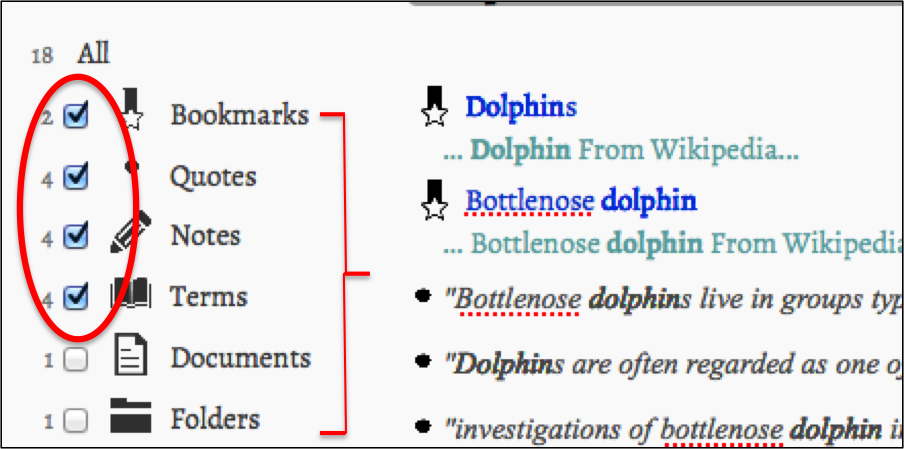
Tip: You can check the items you want to search in. If you uncheck an item, it won't be included in your search .