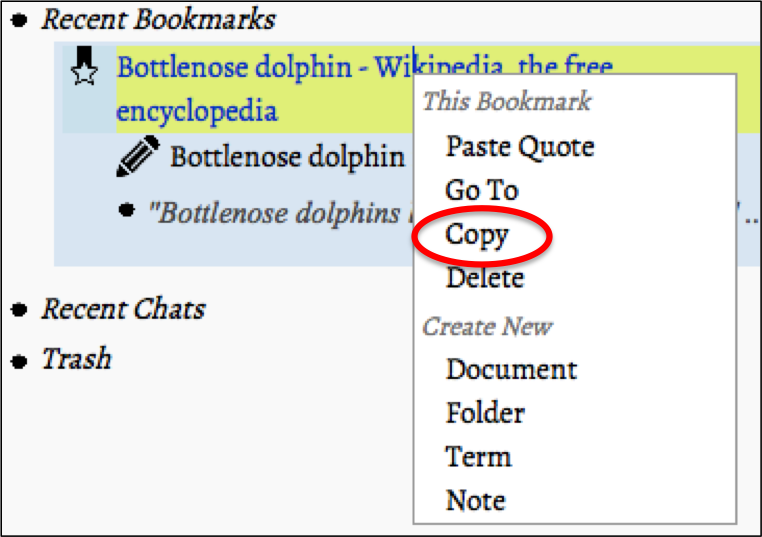
- Mod-click the nStudy item you want to share nStudy items are: “Folders”, “Terms”,“Notes”, “Bookmarks”, and "Quotes"
- Choose “Copy” from the context menu
- Click “Paste item” on the chat panel
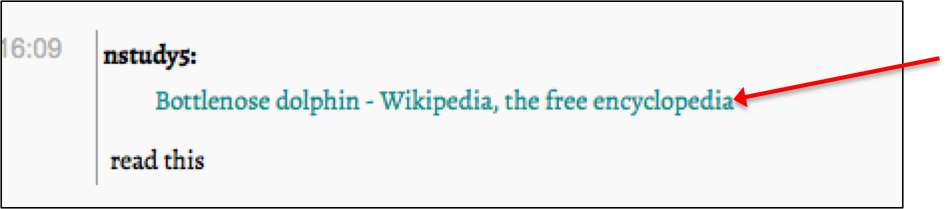
- The item will appear right on top of the message entry area
- Type in a message, then press enter, the item is shared